
DeepBrain-the all-in-one AI video studio
AI Video SaaS · Review The all-in-one AI video studio that turns text, a PPT, or a URL into a finished video. No camera. No editor. Just type. Visit

Disclosure: Some links on this page are affiliate links. We may earn a commission if you purchase through them — at no extra cost to you.
AI Video SaaS · Review
DeepBrain AI Studio Review: The All-in-One AI Video Generator
The all-in-one AI video studio that turns text, a PPT, or a URL into a finished video. No camera. No editor. Just type.
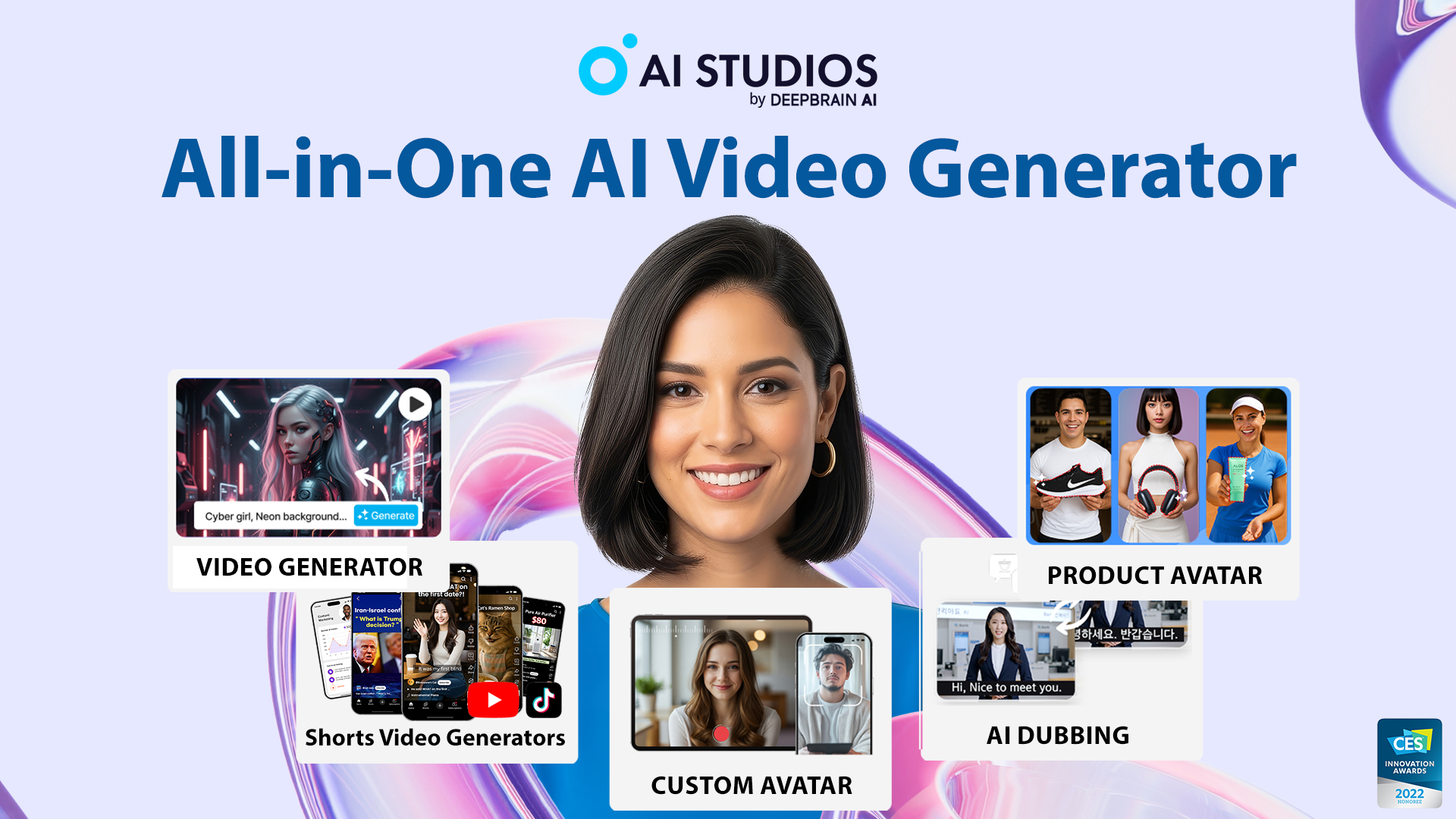
2,000+Ready-made AI avatars
1,000+AI voices
150+Languages & accents
7,000+Templates
A video studio that starts with a text box
DeepBrain AI is a South Korean company founded in 2016 (originally MoneyBrain), with offices in Seoul and Palo Alto. Its product, AI Studios, is a browser-based, all-in-one AI video generator. The technology grew out of AI news anchors, which is why its avatars look broadcast-ready rather than cartoonish.
You can feed AI Studios a topic, a ChatGPT prompt, a URL, a PowerPoint, a PDF, a document, an article, or even a single photo. It structures the content into a video with a chosen avatar, voice, and stock media.
The headline “2,000+ avatars” is a company claim that spans several avatar types. The browsable stock library is tiered by plan — roughly 40 on Free, 100+ on Personal, 155+ on Team — so treat the big number as a catalog, not a per-plan promise.
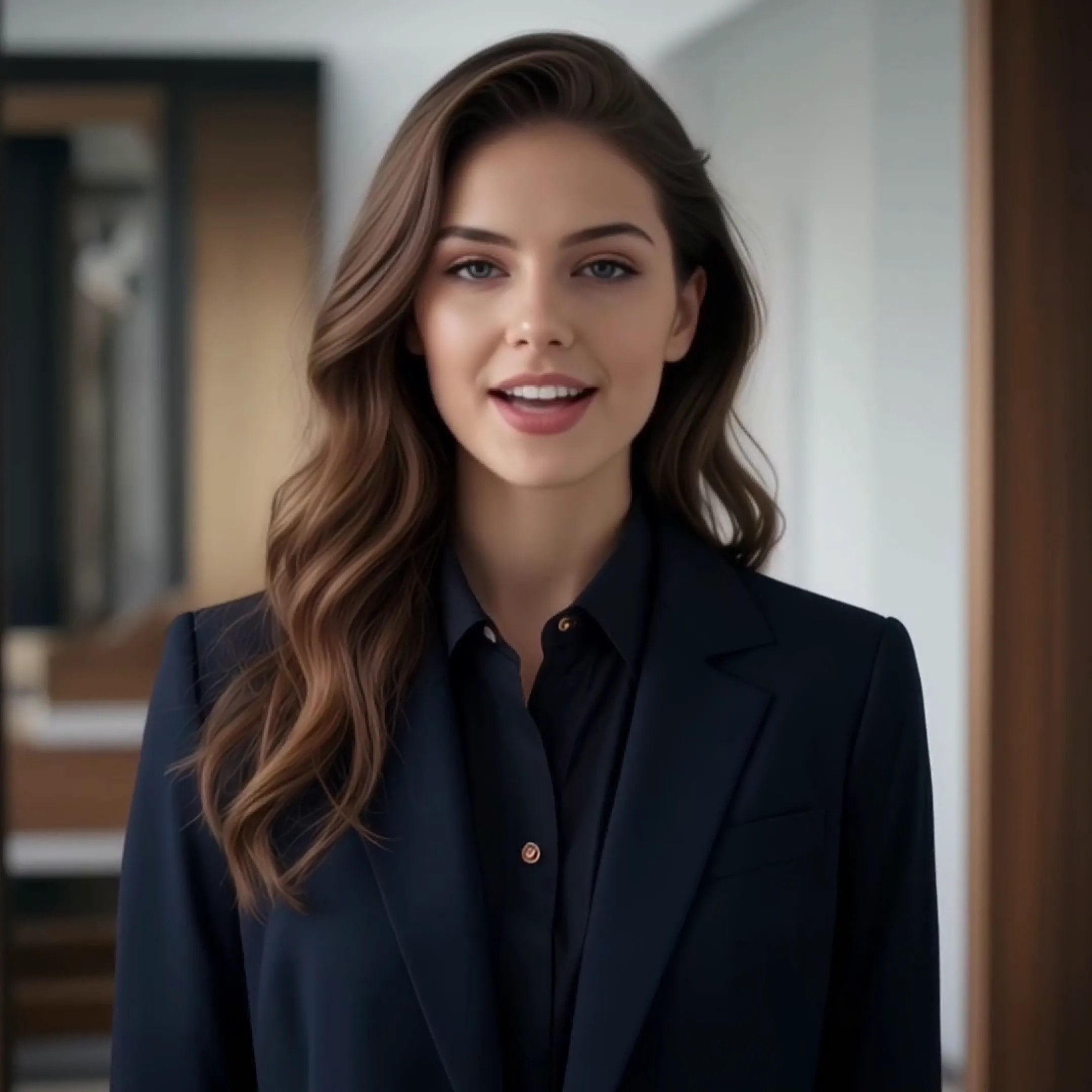
Typing instead of filming
The hardest part of a video is rarely the idea. It is the production: a presenter, lights, takes, audio sync, editing, captions. AI Studios turns all of that into a single input.
The Topic-to-Video flow is the clearest case. Enter a topic, keyword, URL, blog post, or PPT. The system’s LLM drafts a narration and storyboard, then auto-matches an avatar, a voice, and media. A few minutes later you get a cut with voiceover, narration, and an avatar. No editing required.
If you want a clear explainer without learning an editor, that’s the whole appeal.
What’s inside the studio
AI Studios is organized into modules rather than one monolithic button.
Generate
AI Video Generator
Turns text, documents, URLs, or PPTs into finished videos. You set audience, tone, and pacing; it handles structure.
Avatars
AI Avatars
Five types: Stock, Custom, Photo (one photo becomes a talking head), Product, and Interactive.
Voice
Text-to-Speech & Dubbing
150+ languages, 1,000+ voices, regional accents, voice cloning, and dubbed lip-sync.
Generative
Generative Models
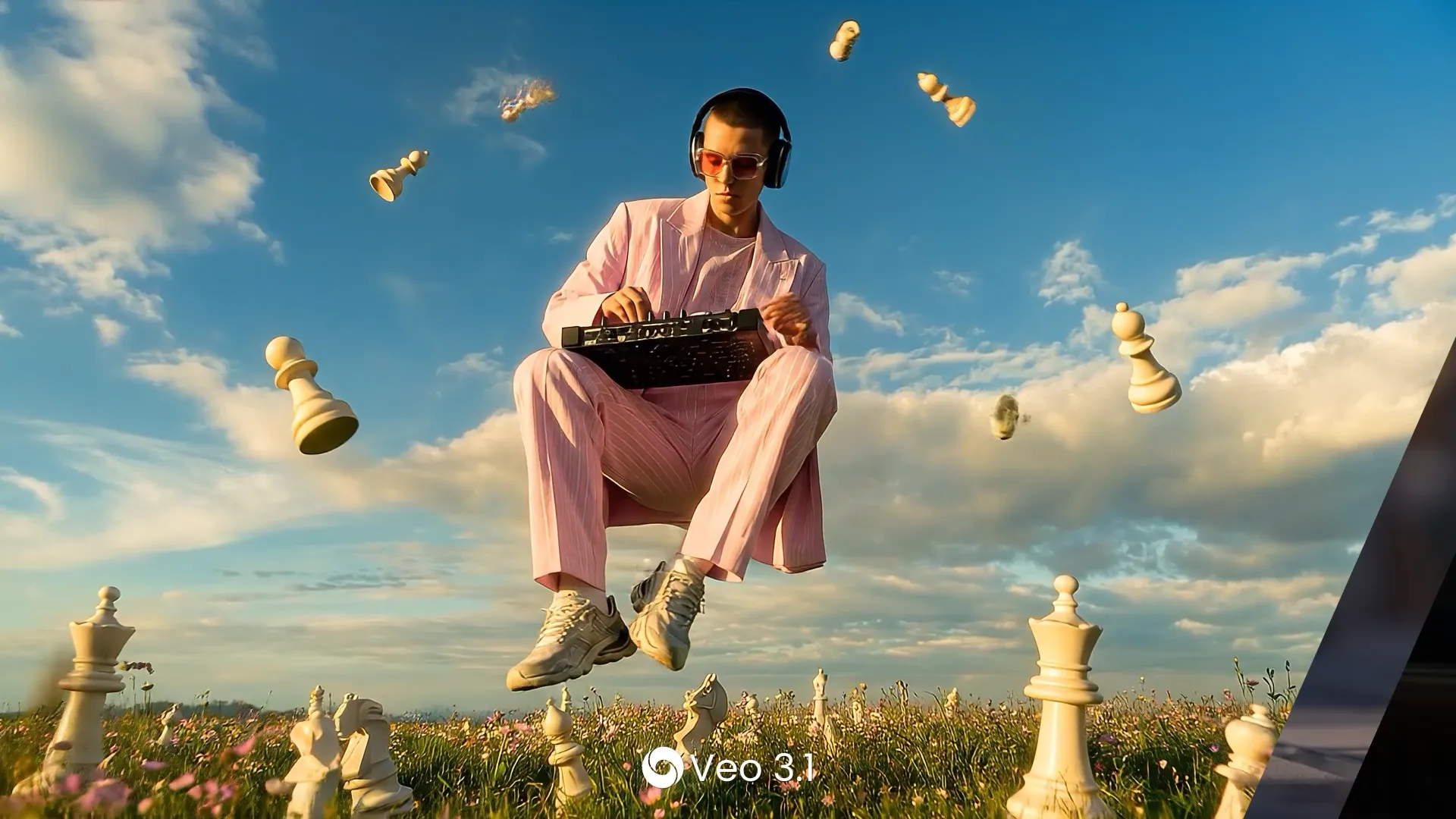
Image and video generation via Veo 3.1, Sora, Kling 2.6 Pro, Seedance 2.0, and Nano Banana Pro.
Learning
AI Course Builder
Assemble training videos, export to SCORM, and add quizzes for L&D and education.
Real-time
Interactive Avatar
A real-time conversational avatar for web, mobile, or kiosk. DeepBrain reports up to 96.5% similarity to the source person in its custom-avatar deployments.
Flat plans with unlimited rendering
DeepBrain uses a flat plan with unlimited video rendering on paid plans. That differs from competitors that meter by the minute or by credits (HeyGen, Synthesia). Annual billing saves 20%. Prices checked August 2026.
Free
Free
$0
- 3 videos / month
- 1 min max each
- 1 custom avatar
- 720p export
- 40+ stock avatars
Most Popular
Personal
$24/mo
- Unlimited videos (30 min each)
- 3 custom avatars
- 1080p
- 120 min/mo dubbing
- Full generative models
Best Value
Team
$55/seat/mo
- Unlimited (60 min each)
- 5 custom avatars
- 4K export
- 240 min/mo dubbing
- Shared workspace
Custom
Enterprise
Custom
- Unlimited duration
- Unlimited avatars
- SAML SSO, SCORM
- Batch generation
- Dedicated support
“Unlimited” covers core avatar rendering, but each video is still capped (30 minutes on Personal, 60 on Team), and the generative models draw on a separate monthly credit allowance (16 on Free, 60 on Personal, 150 per seat on Team). Interactive Avatar is billed separately: a free tier, then Standard at $99/month (100 credits, about 5 minutes each), then Enterprise.
Pros & cons
Pros
Cons
Who trusts it, and what users say
Founded 2016, DeepBrain AI has raised roughly $24/mo million, including a $24/mo million Series B in 2021 led by Korea Development Bank, at a ~$24/mo million valuation. Named deployments include KT (AI concierge at Novotel Ambassador Seoul Dongdaem, Shinhan Bank (500+ devices), Hana Bank, and MBN.
4.3G2 · 824 reviews
4.5Capterra · 51 reviews
4.1Prizmad · 2026
3.0Trustpilot · 228 reviews
The ratings are genuinely mixed. G2 and Capterra are positive on quality and ease of use. Trustpilot sits at 3.0 with recurring complaints about refunds, cancellations, and unexpected charges. We’re flagging it here so it doesn’t blindside you.
Verdict
Should you choose DeepBrain AI?
DeepBrain AI (AI Studios) is a strong pick for everyday users who want a presenter without the production. Its all-in-one workflow removes filming and editing, the paid plans render unlimited videos, and the avatars are among the more realistic, especially for non-English languages.
Choose it for training, explainer, or localized content where simplicity and predictable pricing matter. Be cautious if you need edgy social ads, deep editing control, or responsive billing support. Start with Personal rather than Free, and budget separately for the Interactive Avatar if you want real-time conversation.
Frequently asked questions
What is DeepBrain AI Studio?
AI Studios is DeepBrain AI’s browser-based AI video generator. You type a prompt or upload a PPT, PDF, document, or URL, pick an avatar and voice, and it renders a finished video with narration — no camera, studio, or editing skills needed.
Is there a free plan for AI Studios?
Yes. The Free plan includes up to 3 videos per month (each up to 1 minute), 720p export, 1 custom avatar, 40+ stock avatars, and 16 one-time generative credits.
How much does DeepBrain AI Studio cost?
Personal is $24/month (unlimited videos up to 30 minutes, 1080p, 3 custom avatars, 120 minutes of dubbing). Team is $55 per seat/month (60-minute videos, 4K, 5 custom avatars, 240 minutes of dubbing). Enterprise is custom. Annual billing saves 20%.
How many avatars and voices does it offer?
AI Studios has 2,000+ ready-made AI avatars, 1,000+ AI voices, and support for 150+ languages and accents. The browsable stock avatar library is tiered by plan (40+ on Free, 100+ on Personal, 155+ on Team).
Can I create an avatar of myself?
Yes. Build a custom avatar from a short recording (DeepBrain says it takes about 5 minutes), or turn a single photo into a talking head with a Photo Avatar.
What is the Interactive Avatar?
It is DeepBrain’s real-time conversational avatar for websites, mobile apps, and kiosks. It is billed separately from AI Studios: a free tier, then Standard at $99/month for 100 credits (about 5 minutes per credit), then Enterprise.
Can AI Studios dub or translate my videos?
Yes. Paid plans include AI dubbing with lip-sync — 120 minutes/month on Personal and 240 minutes/month on Team — across 73 languages and dialects.
Is DeepBrain AI Studio beginner-friendly?
Yes. The Topic-to-Video and Docs-to-Video flows generate a full video from a topic, URL, or document without touching an editor. If you need deep editing control or very stylized social ads, it can feel limiting.
Disclosure: Some links on this page are affiliate links. We may earn a commission if you purchase through them — at no extra cost to you.
Was this review helpful?
Thanks for your feedback!
Not sure which to pick? See the top tools