
Synthesia AI:Make Pro AI Avatar Videos Without a Camera
AI Video · For Non-Technical Users Synthesia turns a plain script into a finished video with a realistic AI presenter — no camera, no crew, no editing

Disclosure: Some links on this page are affiliate links. We may earn a commission if you purchase through them — at no extra cost to you.
AI Video · For Non-Technical Users
Synthesia turns a plain script into a finished video with a realistic AI presenter — no camera, no crew, no editing timeline. This guide walks through what it actually does, what it costs in 2026, and the trade-offs worth knowing before you sign up.
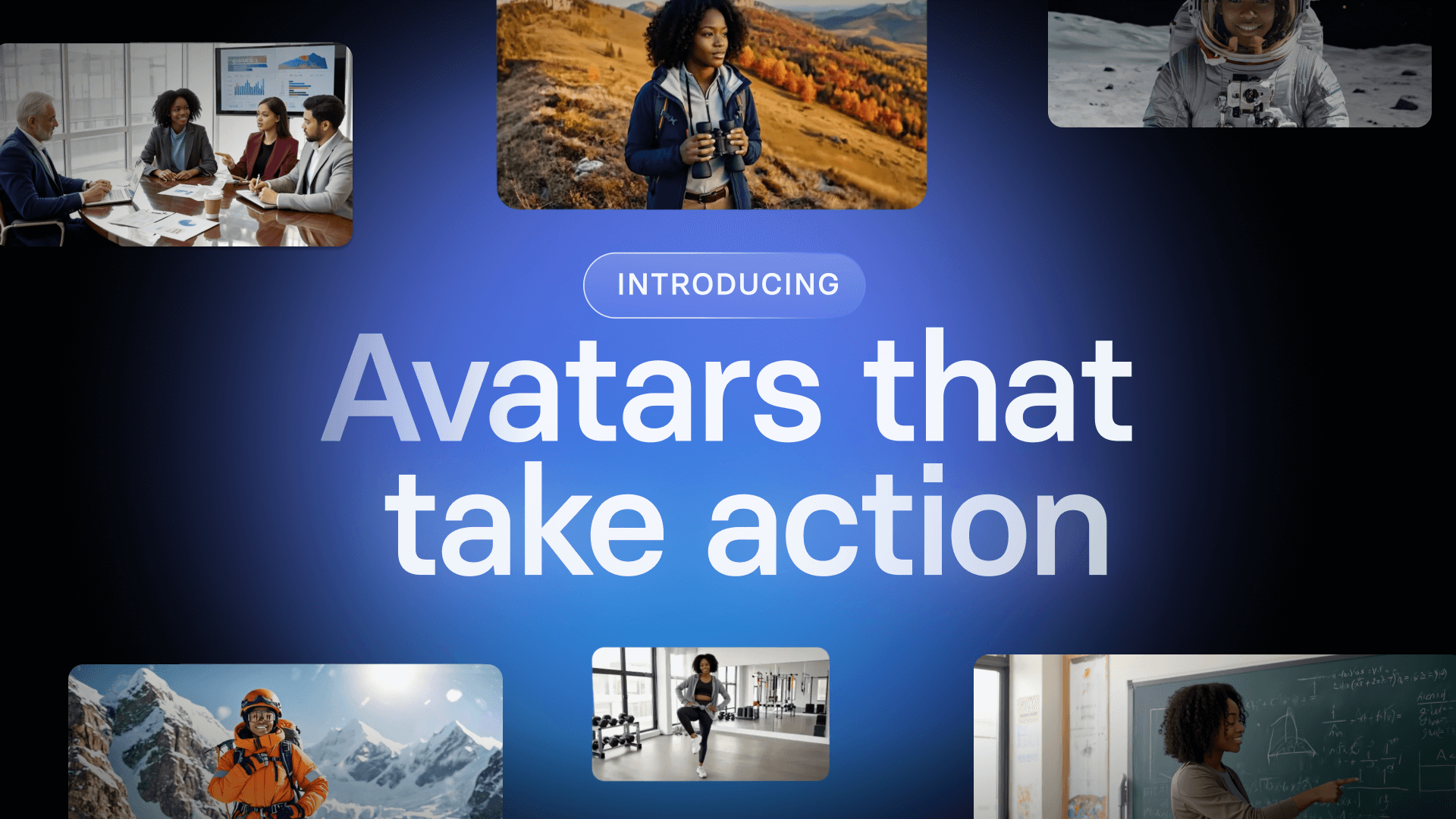
Table of Contents
01 · Overview
What Is Synthesia, and Who Is It For?
Synthesia calls itself the “#1 AI Video Platform for Business.” It turns text, documents, or links into a finished video starring an AI-generated presenter (an “avatar”) who speaks your script in a natural-sounding voice. No film crew, no studio, no editing timeline required.
The company was founded in London in 2017. Today it is trusted by 65,000+ companies worldwide and used by over 90% of the Fortune 100. If you have something to explain and would rather not deal with cameras or editing software, it is built for you.
It fits small business owners who need explainer videos, marketers and ops staff, teachers and trainers, content creators who publish in multiple languages, and anyone curious about AI video who wants to try it free.
02 · The Core Experience
From Text to Video in Minutes

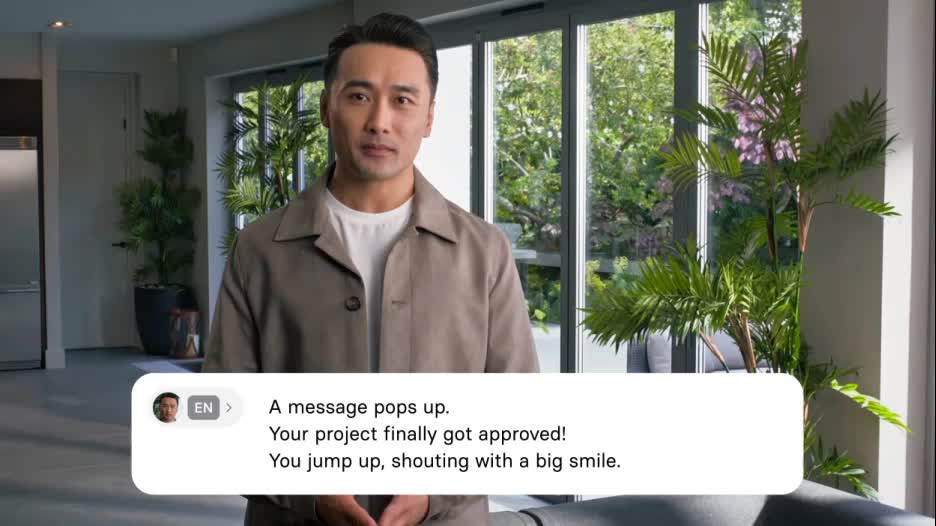
The core experience feels closer to writing a slide deck than producing a film. You write or paste a script, pick an avatar and a voice, and Synthesia renders a video where the avatar delivers your words with synced lips and natural gestures. Synthesia states that 90% of users publish their first video without needing a tutorial — a good signal that the learning curve is genuinely low.
There is also an AI Video Assistant that can take a document, a PowerPoint file, or even a link and propose a video for you. If a blank script box is the part you dread, that assistant removes it.
03 · Features
Key Features You’ll Actually Use
You don’t need to touch most of the enterprise toolkit on day one. Here is what a beginner meets first.
240+ ready-made avatars
Including the newer expressive presenters with body language and hand gestures.
160+ languages & 1,000+ voices
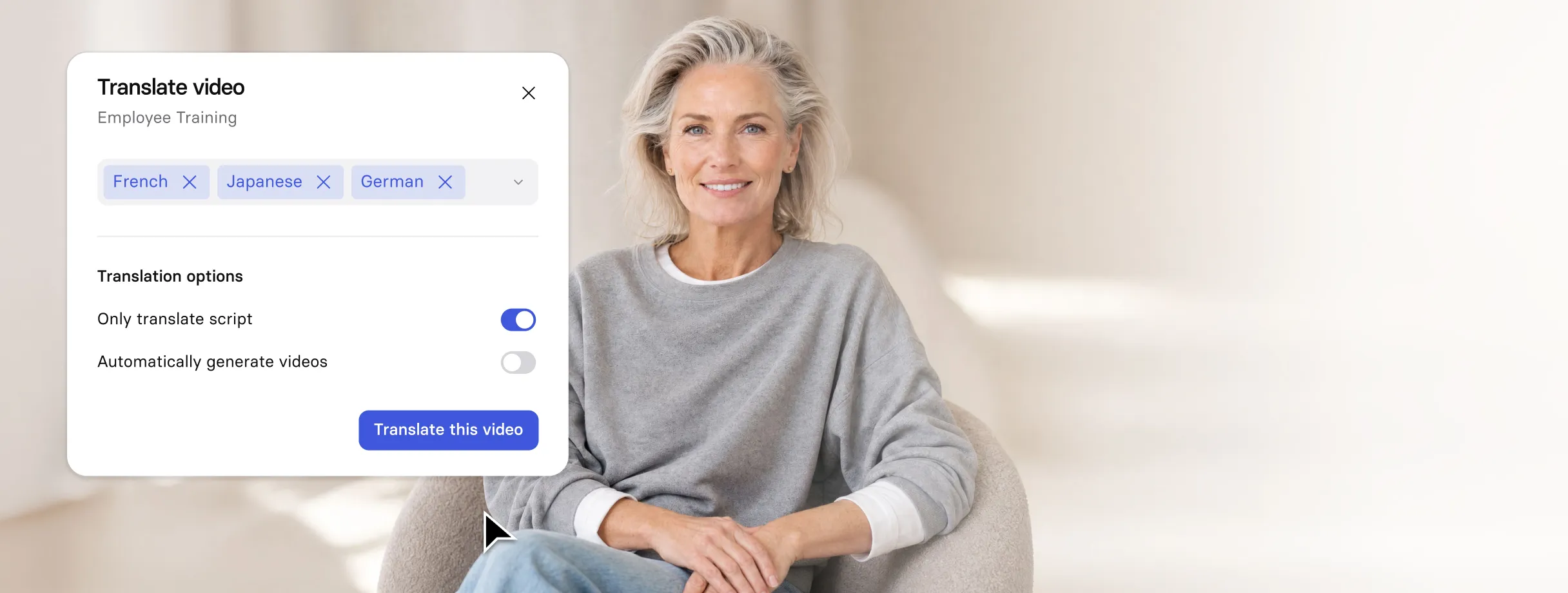
Type once, then localize into dozens of languages without re-shooting.
AI Video Assistant
Turn a doc, deck, or URL into a draft video in a couple of clicks.
Voice Cloning
Record a short sample and have the avatar speak in your own voice (paid tiers).
Templates & Brand Kit
Start from 60+ layouts and keep colors, fonts, and logos consistent.
1-Click Translation
Re-render a video in another language with a single action (80+ languages on Enterprise).
04 · Pricing
Free and Paid Plans, Explained Simply
Synthesia now runs on a shared Credits system (verified on the official pricing page, August 2026). Every plan includes a credit pool that powers AI-generated assets — the Free plan gets 1,200 credits/month and Creator gets 44,000 credits/year — while video minutes are a separate usage limit on top of credits. Listed prices reflect annual billing; paying monthly costs more (Starter is $29/mo and Creator is $29/mo billed monthly).
Free
Basic
$0
Most popular
Starter
$18 /mo billed yearly
Growing teams
Creator
$64 /mo billed yearly
Enterprise
Custom
Quote
A “Studio Avatar” (a custom digital twin of a real person) is a paid add-on at about $1,000/year, available on annual plans only. Prices change, so confirm at checkout.
05 · Strengths & Weaknesses
Pros and Cons
What works
What to watch
06 · Getting Started
Your First Video in 5 Steps
- Sign up for the free Basic plan at synthesia.io. No card required to explore.
- Pick an avatar and a template from the library.
- Write or paste your script, or let the AI Video Assistant draft one from a doc or link.
- Choose a language and voice, and add screen recording or images if you like.
- Generate, review, and download/share. Tweak the script and re-render as many times as your plan allows.
07 · Use Cases
Real-World Use Cases for Small Teams & Creators
Training & onboarding
Drop a PowerPoint in, get a narrated course out. Several reviewers call PowerPoint-to-video a genuine strength.
Product explainers
Publish a clear walkthrough without a spokesperson or a shoot.
Multilingual support
One script, many languages, consistent messaging.
Internal announcements
HR or ops updates that look polished, not like a forwarded PDF.
Course content
Lessons students can watch at their own pace, in their language.
Quick how-tos
Turn a process doc into a shareable clip in an afternoon.
08 · Fit Check
Is It Right for You?
You’ll probably love it if: you need presenter-led videos (training, updates, explainers) and dread the production side; you serve a multilingual audience and can’t afford to re-record; or you want to try AI video for free before committing.
You might skip it if: you need lots of video minutes every month. The caps get expensive quickly. You want heavily stylized, cinematic, or social-native shorts. Or you’re in a regulated field (e.g., healthcare) that needs HIPAA coverage.
09 · Verdict
Final Take
Synthesia is the easiest on-ramp into professional AI avatar video for people who have a message but no camera, crew, or editing chops. Start free, make your first clip in an afternoon, and upgrade only when the minute cap starts to pinch. Go in clear-eyed about the limits: video-minute ceilings, a few locked enterprise features, and a “slightly AI” feel on long scripts.
Ready to make your first video?
Sign up for the free plan, no credit card required. See how fast a script becomes a polished clip.
Try Synthesia Free →10 · FAQ
Frequently Asked Questions
Is Synthesia free to use?
Yes. The free Basic plan needs no credit card and includes 10 minutes of video per month, 9 stock avatars, and the full range of AI voices across 160+ languages. It is enough to test the workflow before upgrading. Paid plans start at $18/month when billed annually.
What can you actually create with Synthesia?
Presenter-led videos for training, onboarding, product explainers, internal announcements, and customer-facing content. The AI turns scripts, PowerPoint files, documents, or links into a finished video with a talking avatar. You can also dub and translate existing videos, record your screen, and build interactive videos with quizzes and branching paths.
Do I need a camera, microphone, or video editing skills?
No, and that is the whole point. You type or paste a script, pick an avatar and a voice, and Synthesia renders the video with synced lips and natural gestures. Synthesia reports that 90% of users publish their first video without ever opening a tutorial. Editing means rewriting the script and re-rendering, not working a timeline.
How many languages does Synthesia support?
The avatars speak 160+ languages, powered by a library of 1,000+ voices with different narration styles and accents. You can also translate a finished video into other languages in one click (up to 80+ languages on Enterprise, with 140+ output languages available at the Enterprise tier for AI Dubbing). One script becomes many localized versions without re-shooting.
Can I use my own face and voice?
Yes, on paid plans. You can create a Personal Avatar (your own digital twin) — Starter includes 3 and Creator includes 5. Voice cloning lets the avatar speak in your own voice. For a studio-grade custom avatar of a real person, Synthesia offers a Studio Express-1 avatar as a paid add-on at about $1,000/year (annual plans only).
Does Synthesia integrate with my LMS and other tools?
Yes. Videos export as SCORM packages for LMS platforms, embed on websites and LMS with smart auto-updates, and Synthesia offers an API for automating video and dubbing workflows. It also fits into common training and enablement stacks.
Is Synthesia safe and compliant for business use?
Synthesia is SOC 2 Type II and GDPR compliant, ISO 42001 certified, and supports SAML/SSO on paid plans. It applies human-plus-AI content moderation to every video. The company states it has passed compliance audits at 90% of the Fortune 100 and is used by over 90% of the Fortune 100. (Note: as of 2026 it does not offer a HIPAA BAA, which matters only for regulated US healthcare use.)
Synthesia vs HeyGen — which should I pick?
Both are leading AI avatar video tools, so the choice comes down to fit. Synthesia leans enterprise: heavier compliance (SOC 2, GDPR, ISO 42001), deeper localization at scale, and broad Fortune 100 adoption — strong if you produce training or internal comms across many languages. HeyGen tends to appeal to individual creators and marketers wanting fast, flexible, more consumer-style avatar videos. If your priority is governed, multilingual, team-based production, Synthesia is the safer enterprise bet; if you want lightweight creative experimentation, compare both free tiers first.
Disclosure: Some links on this page are affiliate links. We may earn a commission if you purchase through them — at no extra cost to you.
Was this review helpful?
Thanks for your feedback!
Not sure which to pick? See the top tools
Colossyan turns documents into training that stays correct
Read review →
Hour One Review: The Enterprise-Ready AI Avatar Video Platform for Training, Marketing & Sales at Scale
Read review →
Akool Review: The AI Video Toolkit That Helps Marketers and Creators Ship Multilingual Video Fast
Read review →